
.png)

Description
Hands-Free Selfie Timer for Perfect Shots
Overview
Lens Buddy: selfie & Camera Timer is a free Android application developed by ShotsTricks Inc, designed to help users capture high-quality photos without needing assistance from another person. The app enables hands-free photography by offering a customizable countdown timer, allowing users to position themselves before the shutter triggers. It serves as a practical solution for solo travelers, content creators, and casual photographers who want to document their moments with better framing and composition. The app supports adjustments to camera exposure, photo quality, and shooting modes, empowering users to fine-tune their shots based on lighting conditions and personal preferences. A built-in auto-focus feature ensures that the subject remains sharp, even during movement, while portrait mode enhances image depth and visual impact. Photos can be saved individually or in bulk, with a dedicated mini-exhibition gallery for quick access. Although the app does not specify advanced system requirements, it operates within a lightweight 25.6 MB footprint, suggesting efficient resource use. Real-world use cases include outdoor shoots, travel vlogging, fitness tracking, and social media content creation. The developer did not provide additional system requirements.
Key Features & Capabilities
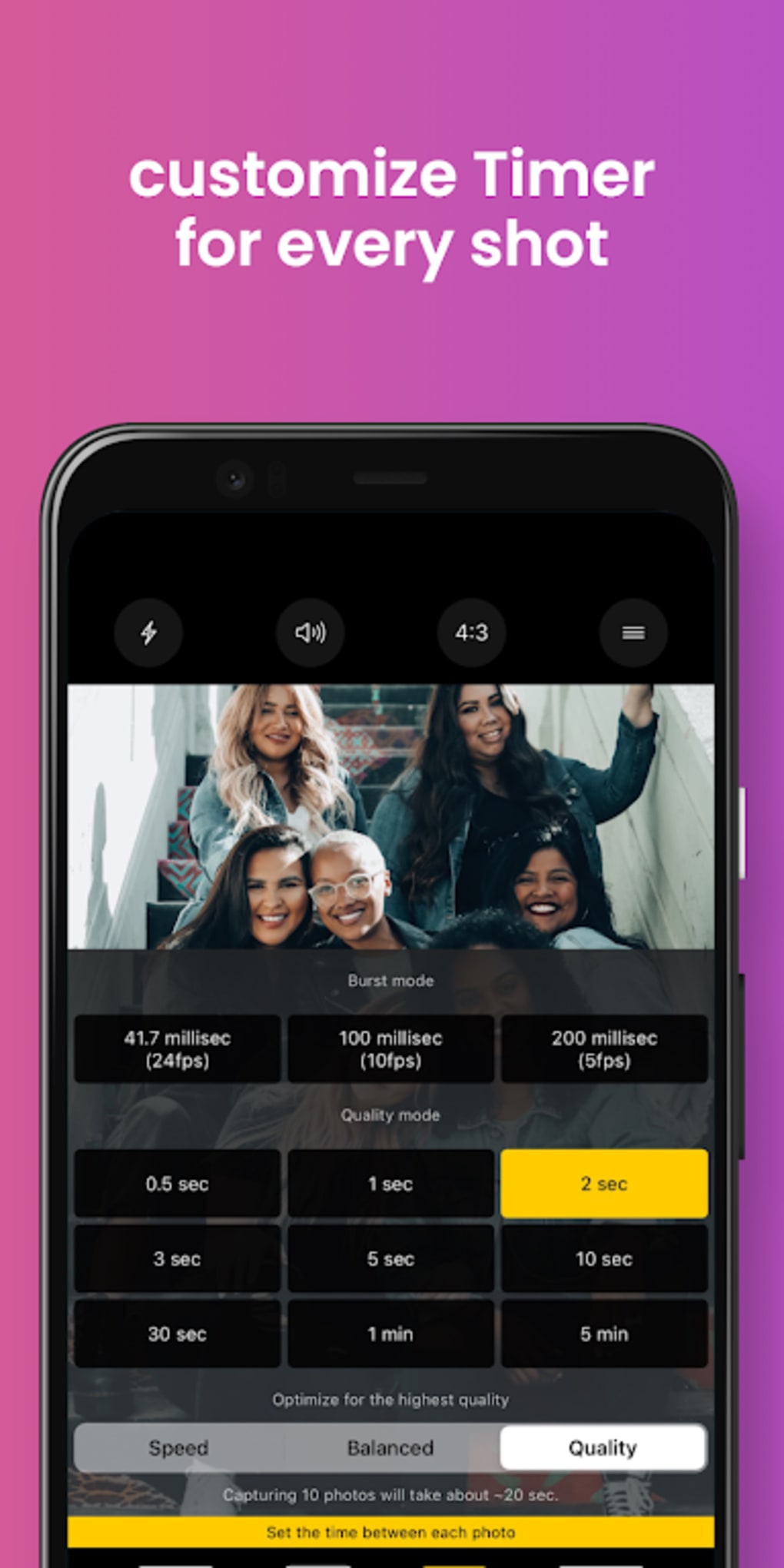
- Customizable Countdown Timer: Users can set the timer duration to suit their positioning needs, enabling smooth transitions into the desired pose before the photo is taken.
- Adjustable Camera Settings: The app allows modifications to exposure levels and photo quality, helping users optimize images based on ambient lighting and desired output resolution.
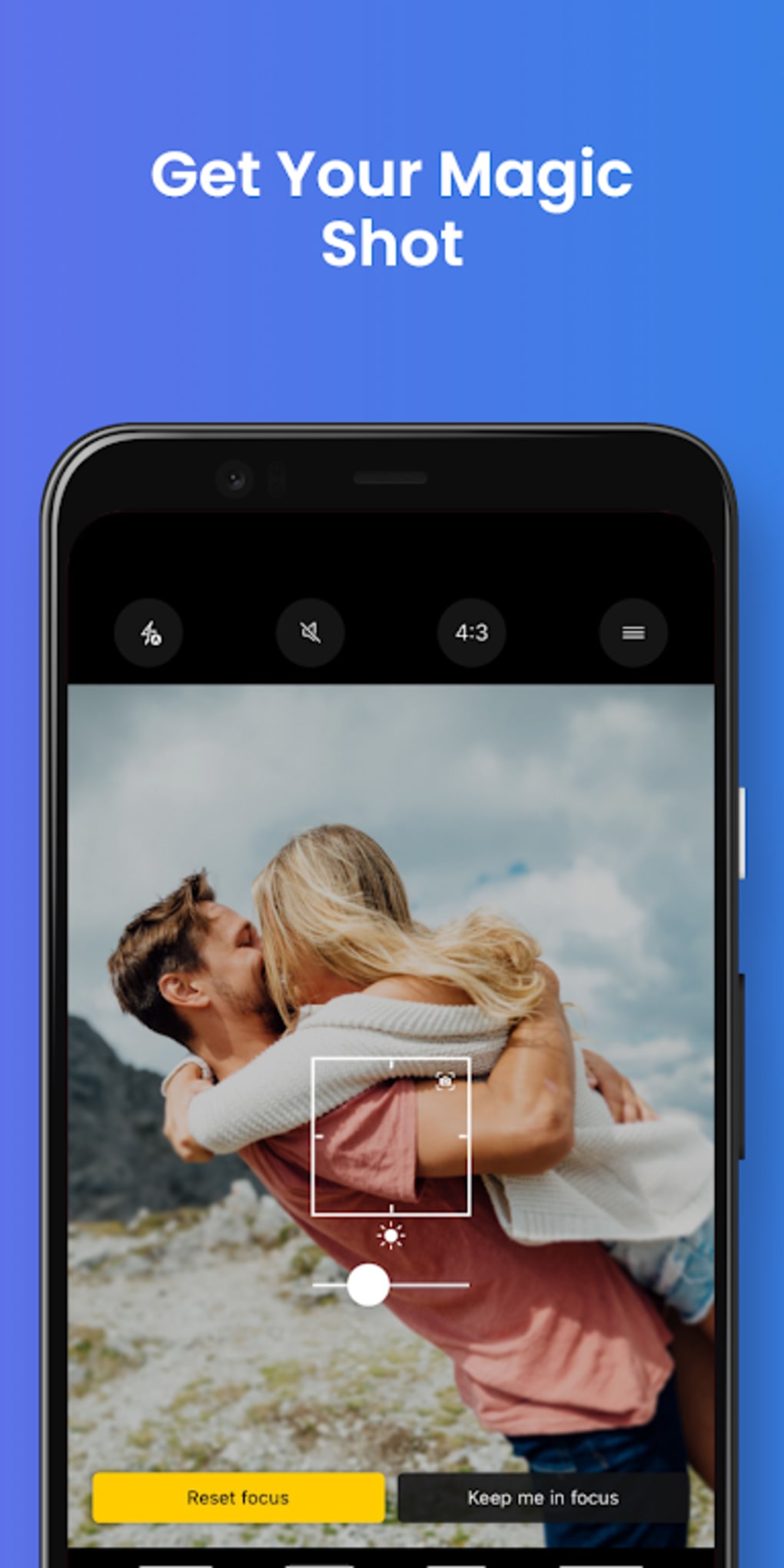
- Auto-Focus Mode: Ensures the subject remains in sharp focus, even when moving during the countdown, improving clarity in dynamic shots.
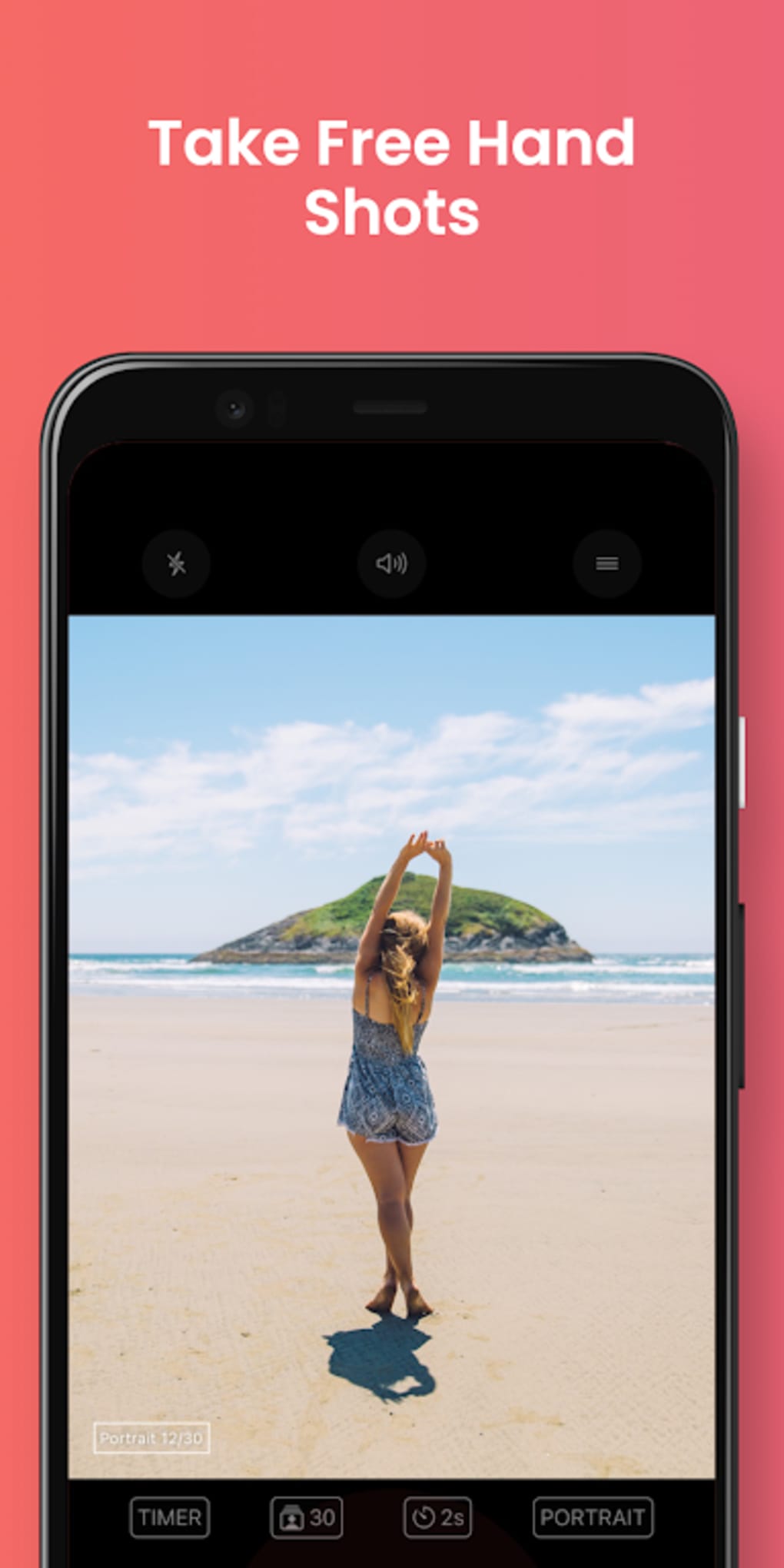
- Portrait Mode Support: Provides depth effects and enhanced detail, ideal for creating visually striking images with a professional touch.
- Batch Photo Saving: Enables users to save multiple photos at once, though performance may vary with larger file sizes.
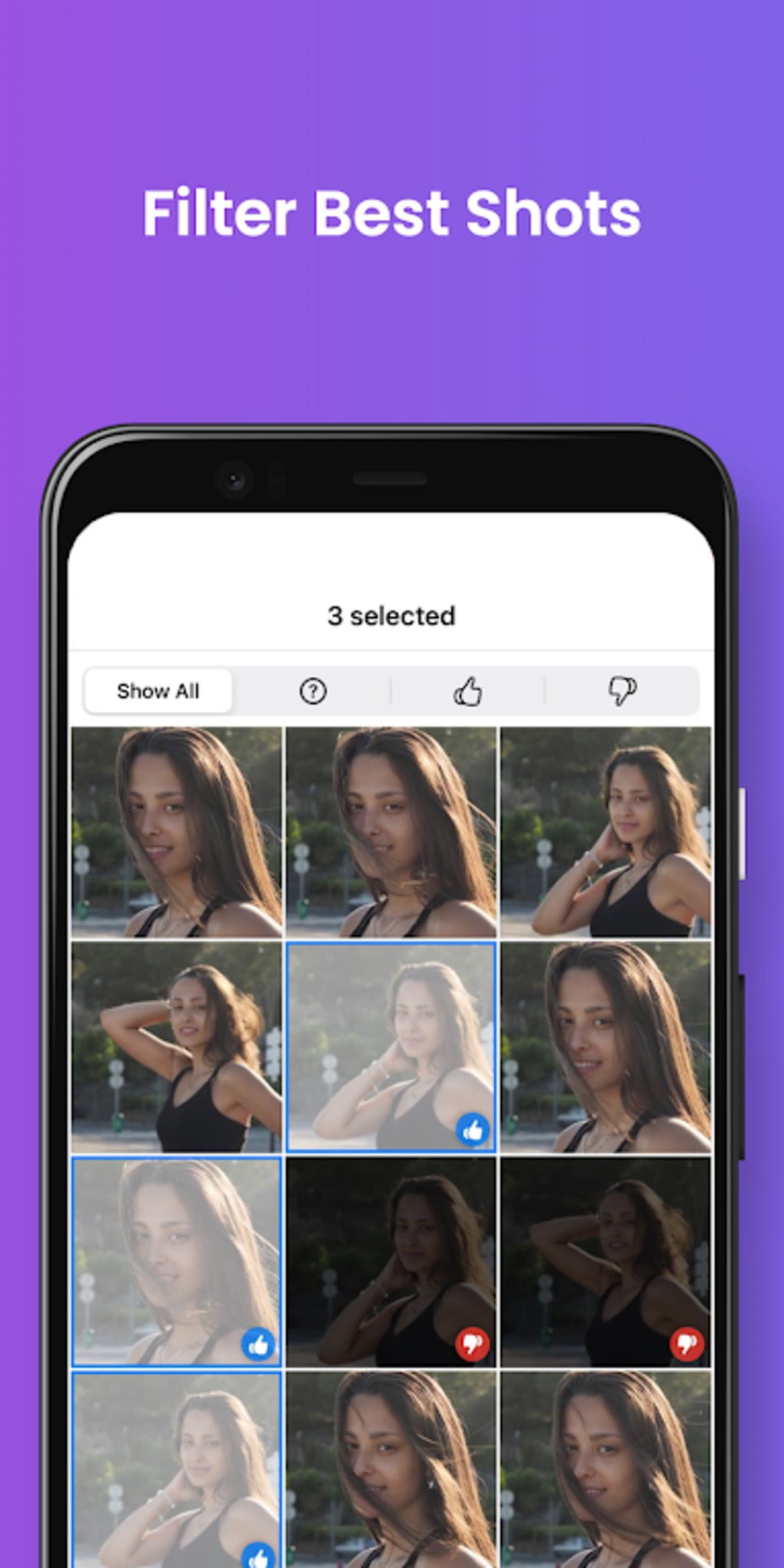
- Mini-Exhibition Gallery: Offers an organized view of captured images within the app for immediate review and sharing.
These features support a range of use cases, from casual snapshots to more intentional content creation. For instance, a traveler can use the timer and auto-focus to capture scenic views with themselves in frame, while a fitness enthusiast might leverage portrait mode to document progress with consistent framing. The ability to tweak exposure settings allows for better results in low-light environments, such as indoor sessions or evening outings. While the app does not include advanced editing tools, its core functionality focuses on seamless, reliable capture—making it a streamlined utility for on-the-go photography.
User Interface, Workflow & Performance
The user interface of Lens Buddy: selfie & Camera Timer is described as sleek and intuitive, prioritizing ease of access for users with minimal photography experience. Navigation is straightforward, with key controls—timer, settings, and gallery—positioned for quick interaction. The workflow begins with launching the app, selecting the desired shooting mode, adjusting settings if needed, initiating the countdown, and capturing the image. This linear process minimizes friction and supports rapid deployment in spontaneous situations. The app’s performance is influenced by the device’s hardware and Android version, though exact resource usage details were not specified. General behavior suggests efficient operation given the 25.6 MB size, but users may experience lag during bulk photo saving, as noted in the app’s documentation. Similarly, saving high-resolution images may take longer than expected. The developer did not provide performance benchmarks or stability metrics, so real-world efficiency remains subject to device-specific conditions. However, the absence of reported crashes or frequent errors suggests a stable baseline experience.
Compatibility & System Requirements
Lens Buddy: selfie & Camera Timer is designed for Android devices and runs on version 1.0.2. The application has a file size of 25.6 MB, indicating a lightweight footprint suitable for most modern Android smartphones and tablets. Platform compatibility information is limited to the Android OS, with no mention of specific device models, processor architecture, or RAM requirements. The developer did not specify minimum hardware capabilities, so users should rely on standard Android compatibility standards. While the app functions without requiring root access or additional permissions beyond camera and storage, exact permission details were not disclosed. Compatibility with older Android versions cannot be confirmed based on available data. Users are advised to ensure their device supports the required camera APIs for full functionality, especially for auto-focus and portrait mode features.
Pros and Cons
Pros
- Free to download and use with no in-app purchases
- Intuitive interface suitable for beginners and casual users
- Customizable timer and camera settings for better shot control
- Auto-focus and portrait mode enhance image quality
- Mini-exhibition gallery for quick image review
Cons
- Bulk photo saving may cause performance lag
- High-resolution image saving can be time-consuming
- Exact system requirements not clearly defined
- Limited advanced editing or sharing options
- Performance under heavy usage not verified
FAQ Section
Is Lens Buddy: selfie & Camera Timer available for free?
Yes, the app is completely free to download and use, with no hidden costs or in-app purchases required.
What devices can run Lens Buddy: selfie & Camera Timer?
The app is compatible with Android devices. Specific model or version requirements were not provided by the developer.
Does the app require internet access?
No, Lens Buddy: selfie & Camera Timer operates entirely offline. All features, including photo capture and saving, function without an internet connection.
How often are updates released?
Updates are released periodically by the developer, but the frequency is not publicly documented. Users are encouraged to check the app store for the latest version.
Can I use this app without a Bluetooth camera remote?
Yes, the app is designed specifically for hands-free photography without relying on external devices like Bluetooth clickers.
Final Thoughts + CTA
Lens Buddy: selfie & Camera Timer delivers a focused, reliable experience for users seeking a simple yet effective tool for hands-free photography on Android. Its customizable timer, auto-focus, and portrait mode features make it well-suited for solo photographers, social media creators, and everyday users who want better control over their shots. While bulk saving and high-resolution exports may impact performance, the app remains efficient for most standard use cases. The free pricing model and lightweight design further enhance its appeal. For anyone looking to capture memorable moments without assistance, this app offers a practical and accessible solution. Download Lens Buddy: selfie & Camera Timer now.
Guides & Tutorials for Lens Buddy selfie Camera Timer APK
How to install Lens Buddy selfie Camera Timer APK
- Click the Preview / Download button above.
- Once redirected, accept the terms and click Install.
- Wait for the Lens Buddy selfie Camera Timer APK download to finish on your device.
How to use Lens Buddy selfie Camera Timer APK
This software is primarily used for its core features described above. Open the app after installation to explore its capabilities.
User Reviews for Lens Buddy selfie Camera Timer APK 0
No reviews found





